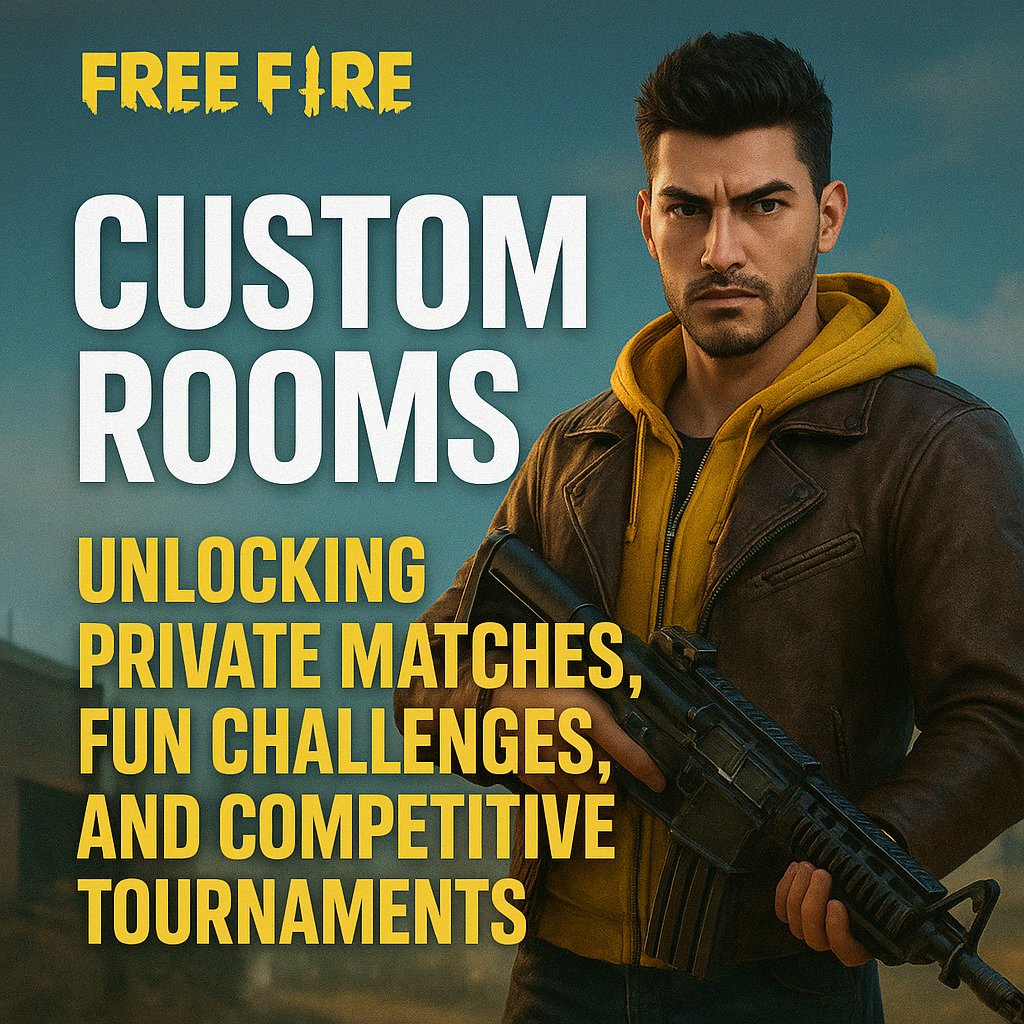
In the world of mobile gaming, Garena Free Fire has built a massive community of battle royale lovers. While millions enjoy playing ranked and casual matches every day, many players look for something more personal and unique whether it’s battling only with friends, hosting small challenges, or even organizing esports-level tournaments.
This is where Free Fire Custom Rooms come into play. They allow players to set up private matches with customizable rules, making the game more exciting, fun, and competitive. Let’s dive into what a Free Fire Custom Room is, why it matters, and how you can make the most out of it.
What Exactly Is a Free Fire Custom Room?
A Custom Room in Free Fire is a special feature that lets players create their own private game lobby. Unlike normal ranked or casual matches where you’re matched with random players, custom rooms allow you to invite only specific friends, teammates, or participants.
The creator of the room, often called the host, gets to control various settings:
- The map to be played (Bermuda, Kalahari, Purgatory, etc.)
- Number of players allowed in the match
- Game mode (Classic Battle Royale, Clash Squad, etc.)
- Unique rules like limited weapons, restricted zones, or custom challenges
This level of freedom and control makes custom rooms perfect for friendly battles, practice sessions, and even professional tournaments.
How to Create a Free Fire Custom Room
To create a custom room in Free Fire, you need a Room Card. This special item can be obtained in several ways:
- Guild Rewards – By being active in a guild, members can earn room cards.
- Events – Free Fire often rewards players with free room cards during special events.
- In-Game Shop – Players can purchase a room card using diamonds.
Once you have a room card, the steps are simple:
- Open Free Fire and head to the Game Mode selection screen.
- Tap on the Custom Room option.
- Use your Room Card to create a new lobby.
- Customize the settings (map, mode, player count, special rules).
- Share the Room ID and Password with friends or participants.
Just like that, you’ve created your own private battleground.
Why Players Love Custom Rooms
Free Fire Custom Rooms have become a fan-favorite feature because they unlock a whole new way of playing. Here are some reasons why they’re so popular:
1. Play with Friends Only
Instead of random opponents, you can fill the lobby with your friends, teammates, or guild members, making the match more personal and exciting.
2. Host Tournaments and Challenges
From small guild battles to large-scale esports tournaments, custom rooms allow organizers to set their own rules and prize pools. This has made Free Fire a thriving esports community worldwide.
3. Training Ground for Serious Players
Aspiring pro players often use custom rooms for scrims (practice matches). Teams can test different strategies, landing spots, and weapon combinations without worrying about rank drops.
4. Creative Fun Modes
Players often create their own rules like melee-only battles, sniper-only duels, or zone-restricted fights—turning regular matches into fun mini-games.
Custom Rooms in Esports and Tournaments
Free Fire’s rise in esports is closely tied to custom rooms. Professional organizations and streamers frequently use them to:
- Conduct qualifier rounds for big tournaments.
- Host private matches for live streams, keeping fans engaged.
- Experiment with compbetitive settings that replicate real tournament environments.
This feature has allowed Free Fire to become one of the most-watched mobile esports titles globally, as both casual and professional players benefit from its flexibility and control.
Tips to Make the Most of Free Fire Custom Rooms
If you want your custom room experience to be exciting, here are a few tips:
- Set Clear Rules – Whether it’s a tournament or a fun challenge, announce the rules (like weapon restrictions or zone limits) before starting.
- Use Discord or Voice Chat – Communication makes the experience more interactive and engaging.
- Experiment with Game Modes – Don’t stick to one format; try Clash Squad, Classic Battle Royale, or fun challenges.
- Record the Matches – Many players live-stream or record their custom games for highlights and content creation.
- Balance the Teams – For competitive matches, ensure fair distribution of skilled players.
Challenges with Custom Rooms
While custom rooms are loved by the community, there are a few drawbacks:
- Room Cards are limited and not always easy to get for free.
- Organizing large-scale tournaments requires strong coordination.
- If the Room ID and Password leak, uninvited players may join.
Still, the advantages far outweigh the disadvantages, and with proper management, custom rooms remain a powerful feature.
The Future of Custom Rooms in Free Fire
As Free Fire continues to grow, custom rooms are likely to evolve with more advanced features. We may see:
- More customization options, like weather effects or time-of-day settings.
- Spectator tools for better streaming and commentary.
- Integration with esports platforms for smoother tournament hosting.
- Rewards for hosting rooms, encouraging more players to use them.
This evolution could make custom rooms even more popular among both casual players and competitive gamers.
Final Thoughts
The Free Fire Custom Room is more than just a private match it’s a gateway to personalized fun, creative challenges, and professional-level tournaments. Whether you want to battle with friends, host a mini-esports event, or practice with your squad, custom rooms give you the freedom to play the way you want.
In a world where mobile gaming is becoming increasingly competitive, features like custom rooms allow Free Fire to stand out—not just as a battle royale game, but as a community-driven platform for creativity, friendship, and esports excellence.
So, the next time you want to experience Free Fire differently, grab a Room Card, set up your own rules, and enjoy the thrill of a custom battleground.